Kortix Computer
A computer that runs itself.
- Period
- 2026 — Present
- Live
- kortix.com
- Source
- github.com
Overview
Kortix Computer is a Linux machine with an AI agent running on it. It has access to an Ubuntu environment, a filesystem, and most importantly a shell. If it needs a package, it installs one. If it needs a database, it spins one up.
It goes beyond just a chatbot. It's a full AI computer that takes real work, not demos. Some people are running entire companies on it (not kidding).
The whole thing is open source. The repo lives at github.com/kortix-ai/suna.

My Role
I work across the stack as a member of technical staff. On a small team that ships daily, I pick up whatever the product needs next. The parts I ended up owning were the connector system, channel integrations, the agent tunnel, and the sandbox update pipeline. Around those: OAuth, proxy hardening, schema migrations, queue throughput, deployments, and a good chunk of the UI.
Architecture
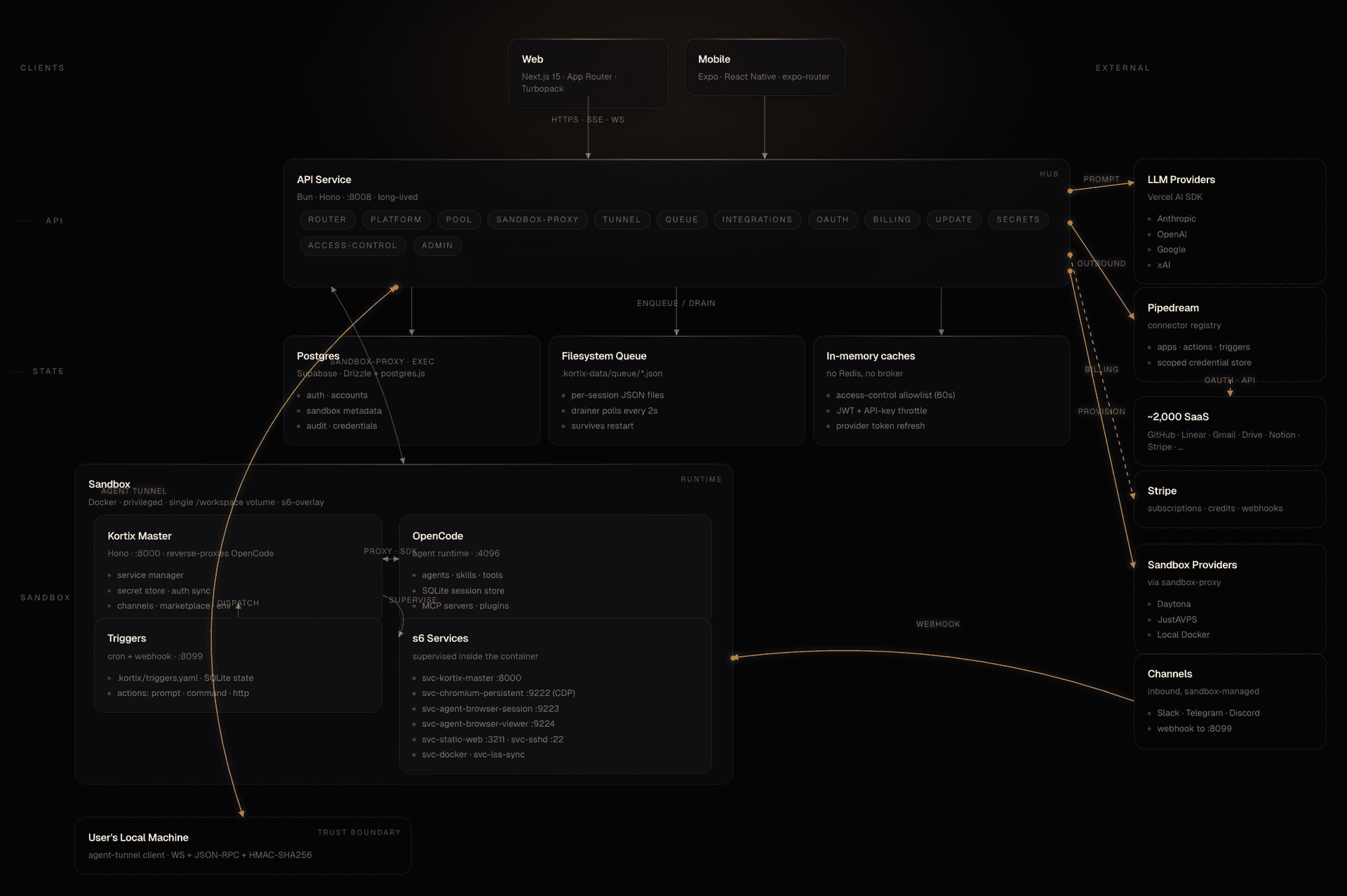
A Kortix instance is a Docker sandbox running the OpenCode agent runtime alongside a handful of background services supervised by s6 (the web UI, a browser stream, a presentation viewer, a few others). Sitting in front of it is a long-lived API service built on Bun and Hono that handles auth, routing, integrations, the agent queue, billing, and the tunnel to the user's machine.
Everything inside the sandbox is just files. Agents, skills, tools, memory are all markdown with frontmatter, Python, or TypeScript. The whole system is inspectable and modifiable, including by the agent itself. The longer an instance runs, the more it knows about the user.
Connectors
The connector system is how a Kortix instance authenticates to and acts inside every SaaS its user already uses. GitHub, Linear, Slack, Gmail, Drive, Notion, Stripe, and a few thousand others. The registry sits behind one interface so the model sees a single API shape instead of two thousand different ones. Pipedream covers most of it.
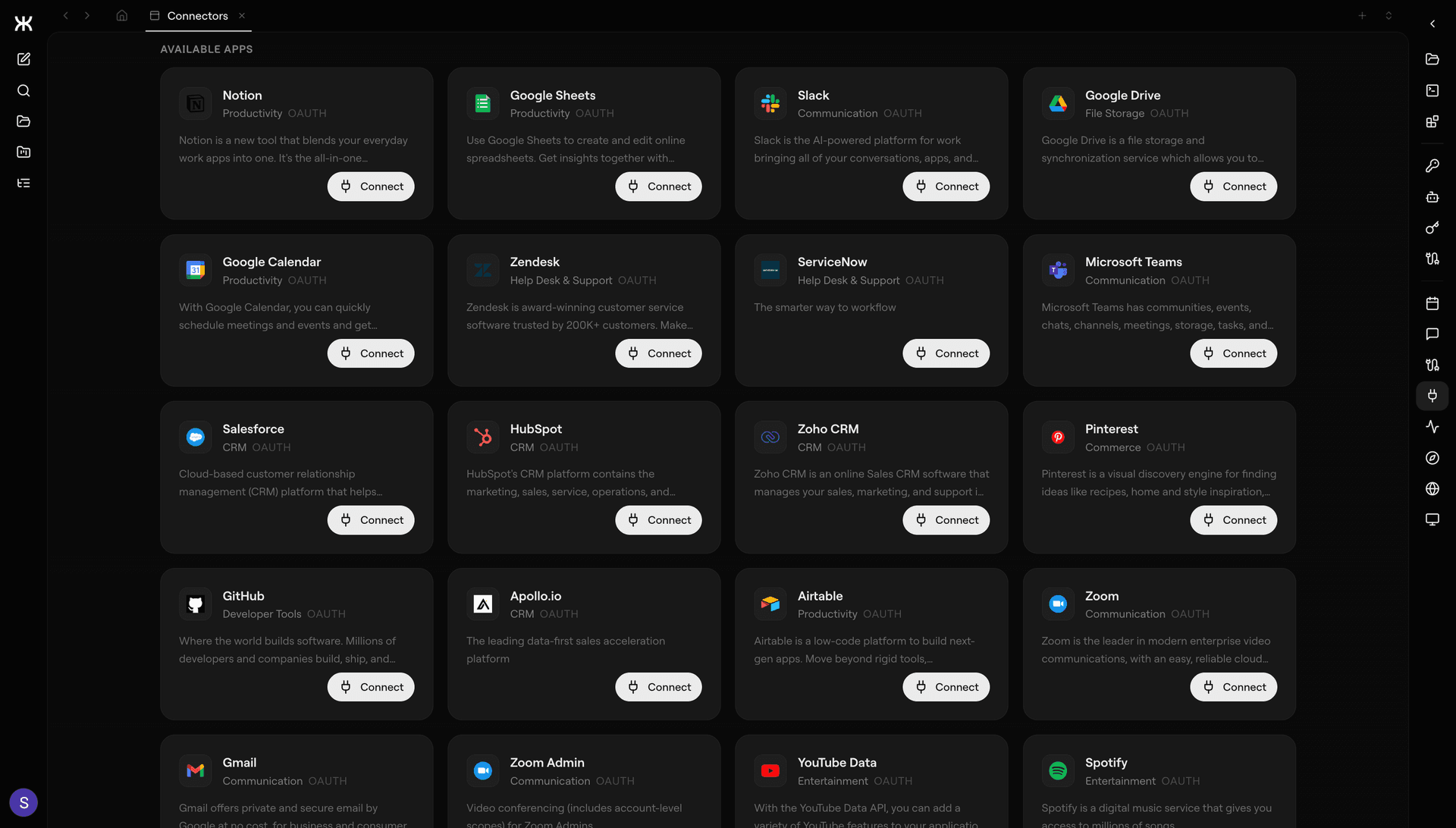
OAuth is solved, so that wasn't the work. The work was getting apps, actions, and triggers into one shape the model could discover and call without bespoke glue per provider. A credential store that's per-account, per-user, scoped, and revokable, so a single leak doesn't become a blast radius. Action schemas the model can fill in correctly the first time, which means defaults that make sense and required fields that aren't a maze. And when the registry doesn't cover something, the agent can still hit the API directly through a proxy with the same auth and audit it would use normally.
Adding a new tool takes about a minute. The agent knows how to use it without anyone writing glue code.
Under the hood there are about two thousand providers. The model only ever sees one shape.
Channels
Channels are how the world reaches into a Kortix instance. Slack and Telegram ship today. Discord, WhatsApp, email, and SMS are wired for the same abstraction and coming next. Every platform has its own idea of what a message is and its own idea of who a user is, and most of the work was turning all of that into one canonical shape.
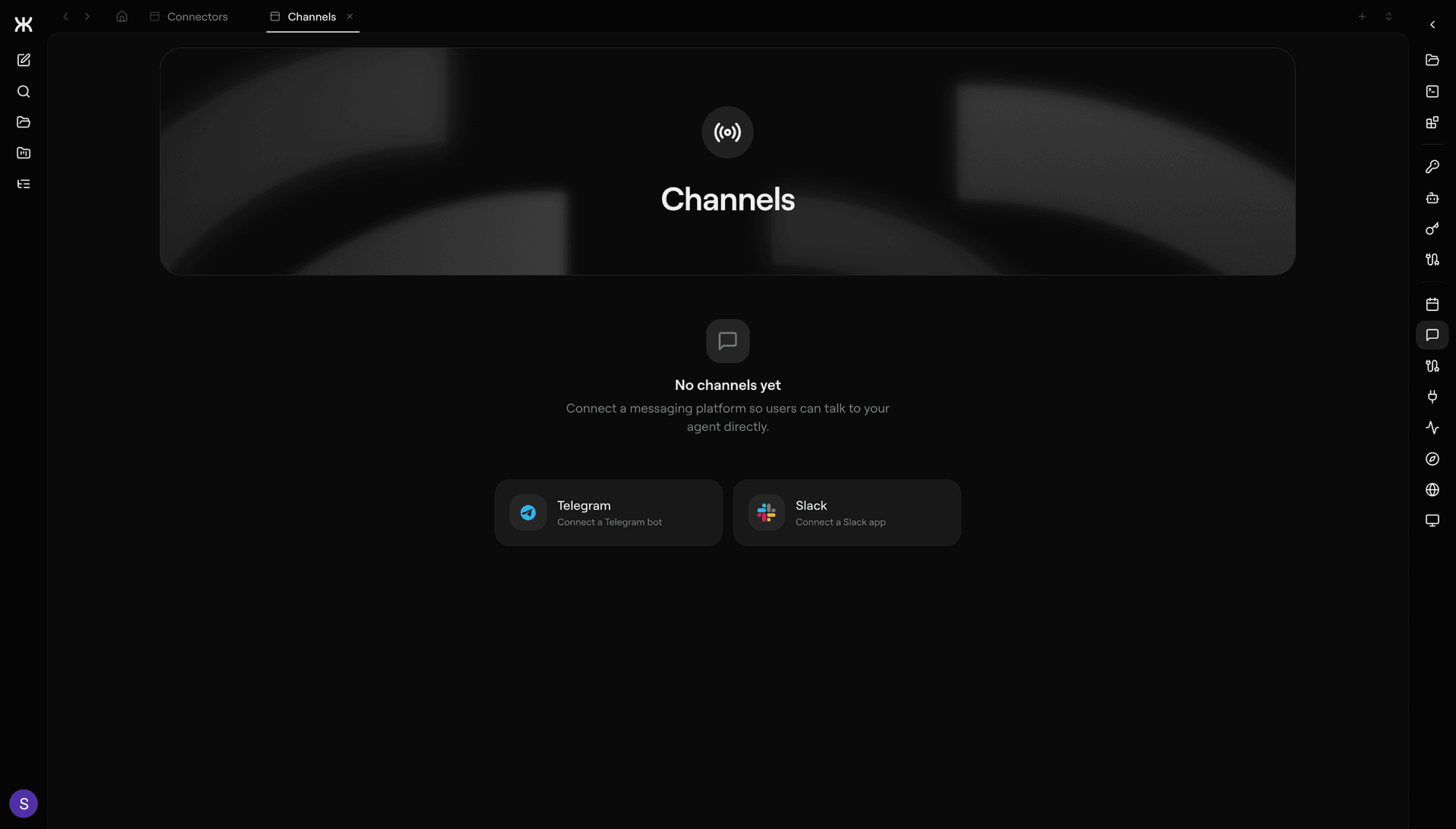
Every channel is a plugin with a small surface: an inbound event turns into a canonical message, an outbound message turns into a provider call. Everything else lives in a shared router inside the API: identity mapping, picking the right agent, threading, rate limits, replay, attachments. Sessions persist across channels too, so a thread that starts in Slack can continue in Telegram without the agent losing the plot.
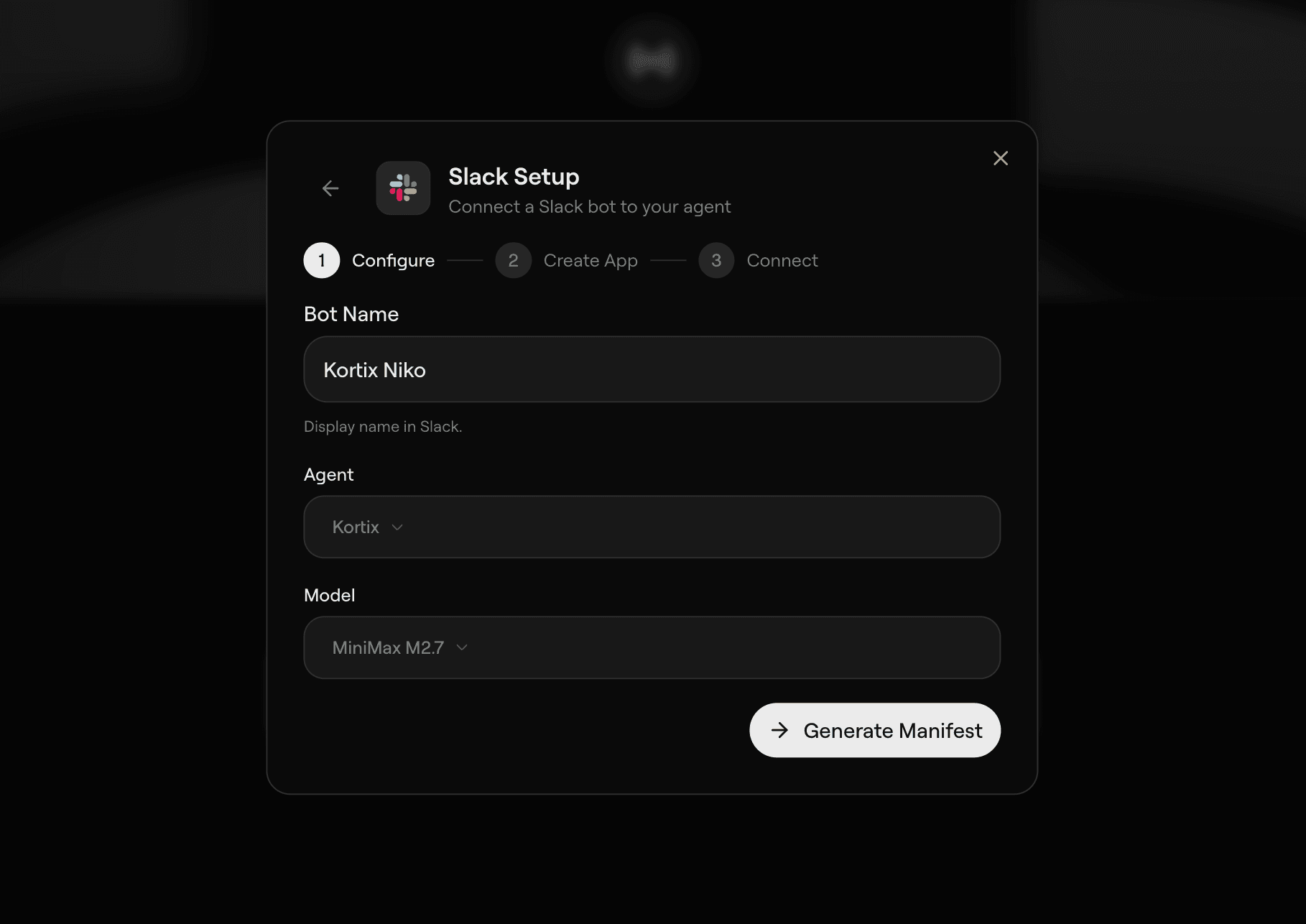
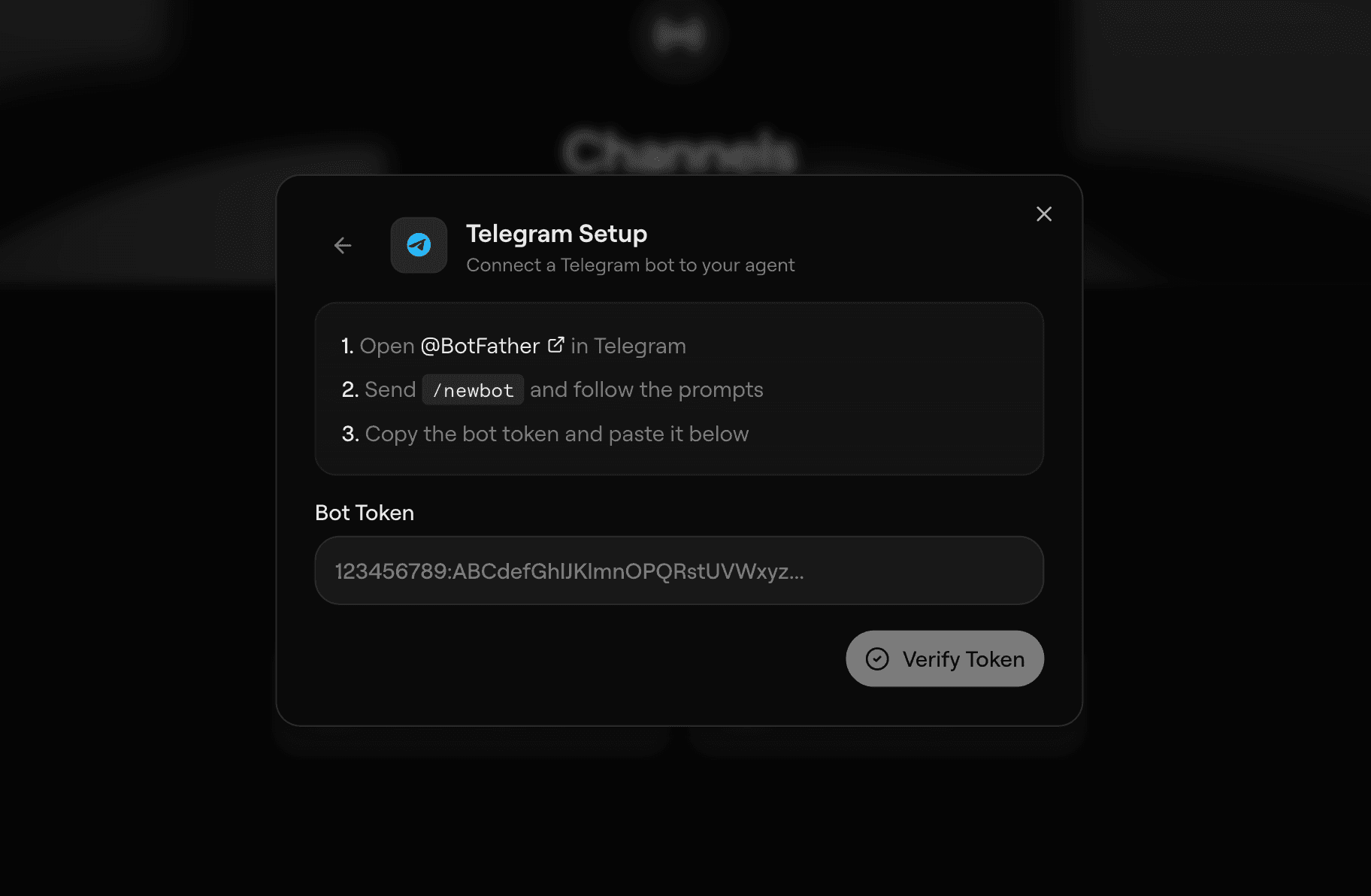
Slack or Telegram, it's the same conversation to the agent. That was the whole point of the abstraction.
Tunnel
The tunnel is how a cloud-hosted agent safely reaches things on the user's local machine. A dev server on port 3000, an internal API that needs VPN, a database behind a firewall, the editor they're typing in right now. It's a WebSocket relay between a small client running on the user's machine and the sandbox, with per-connection scopes that have to be approved before any RPC goes through.
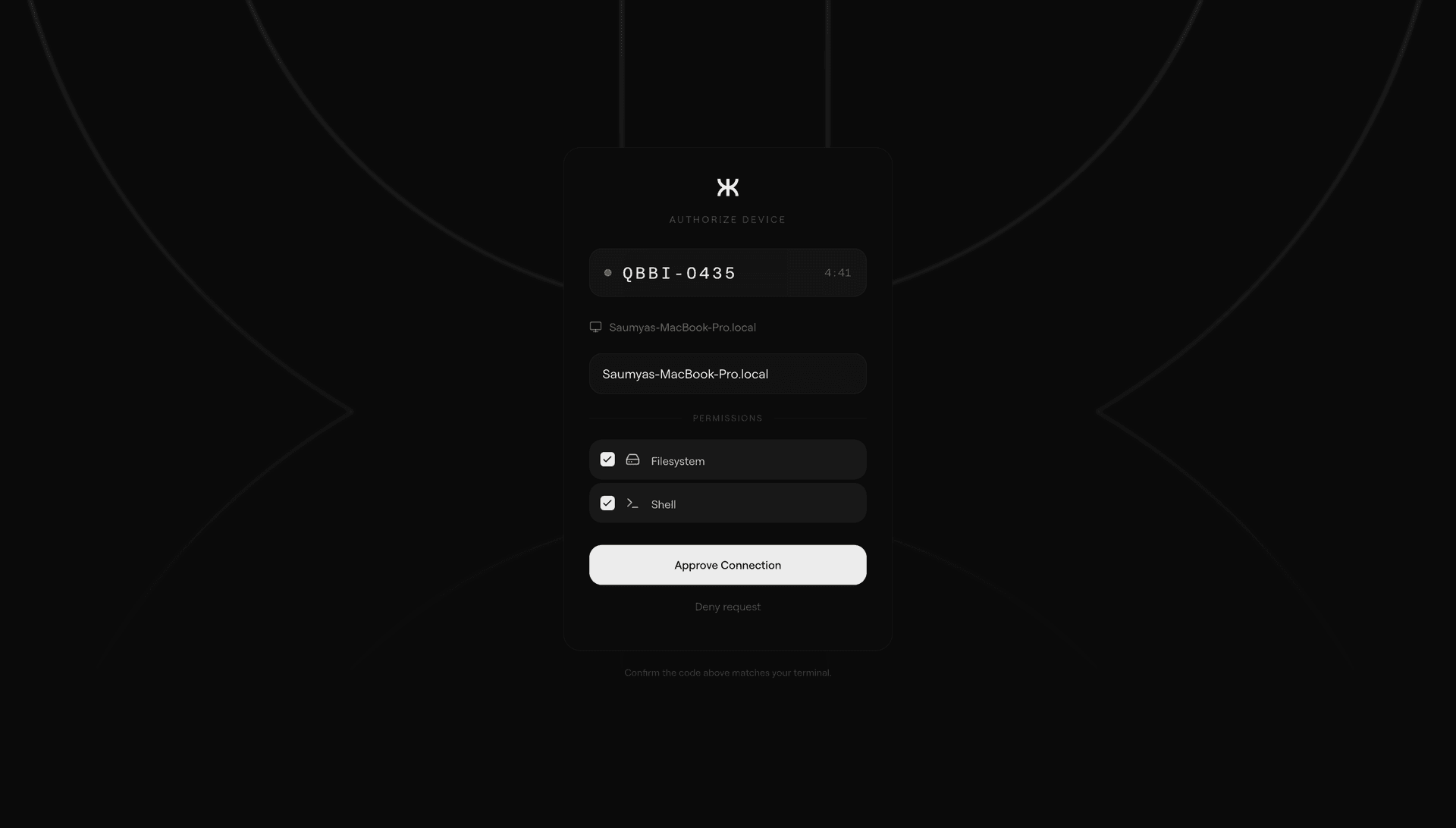
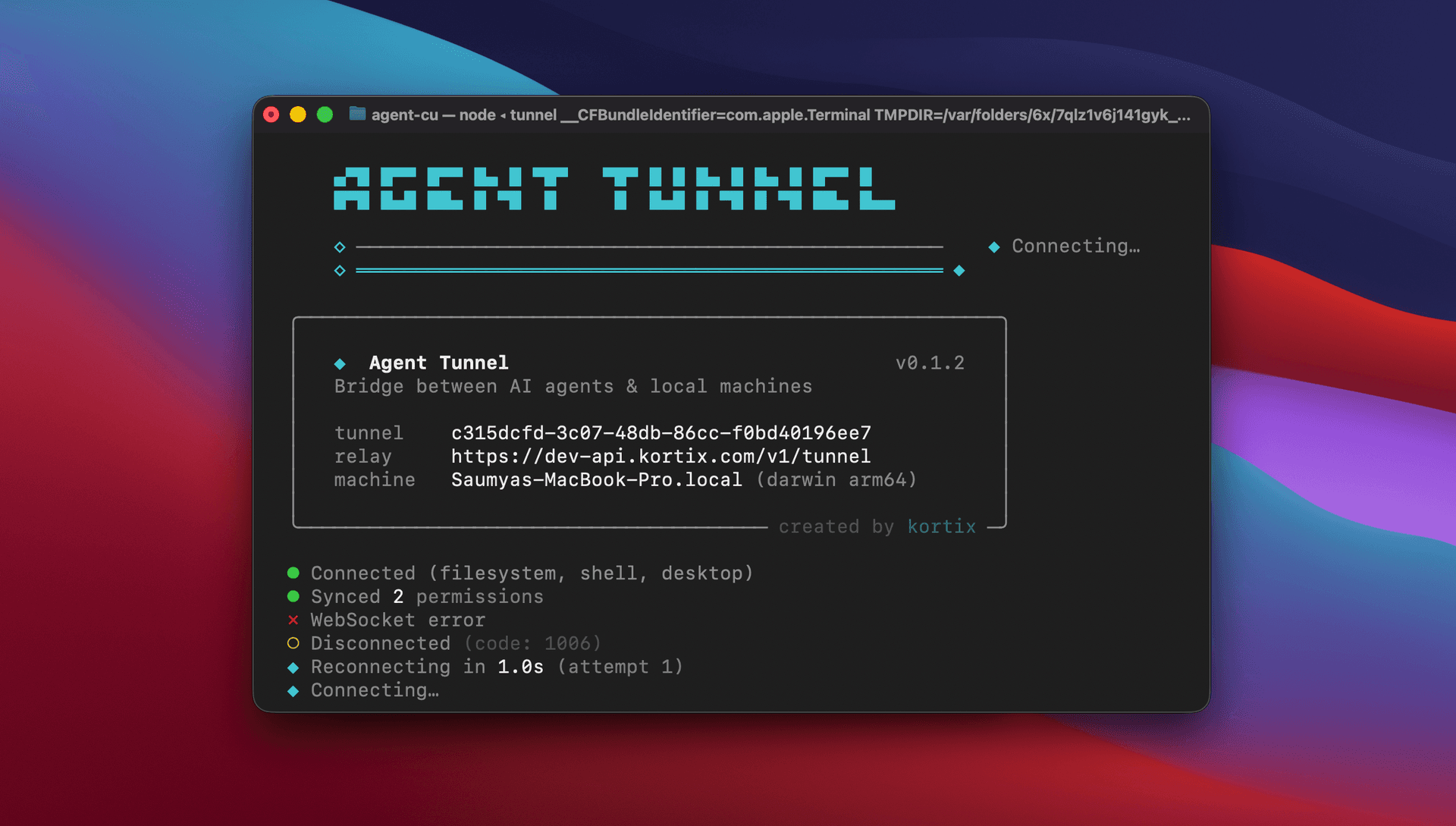
Every RPC is checked against scopes the user actually approved. The sandbox never silently escalates. Laptops sleep and networks change, so the client keeps heartbeats and reconnects without double-executing anything that was in flight when the link dropped.
Everything that goes through the tunnel ends up in an audit log: requests, approvals, denials, timestamps. And because agents are aggressive and the tunnel is a shared resource, there's rate limiting per connection and per scope to stop a misbehaving run from hammering the host.
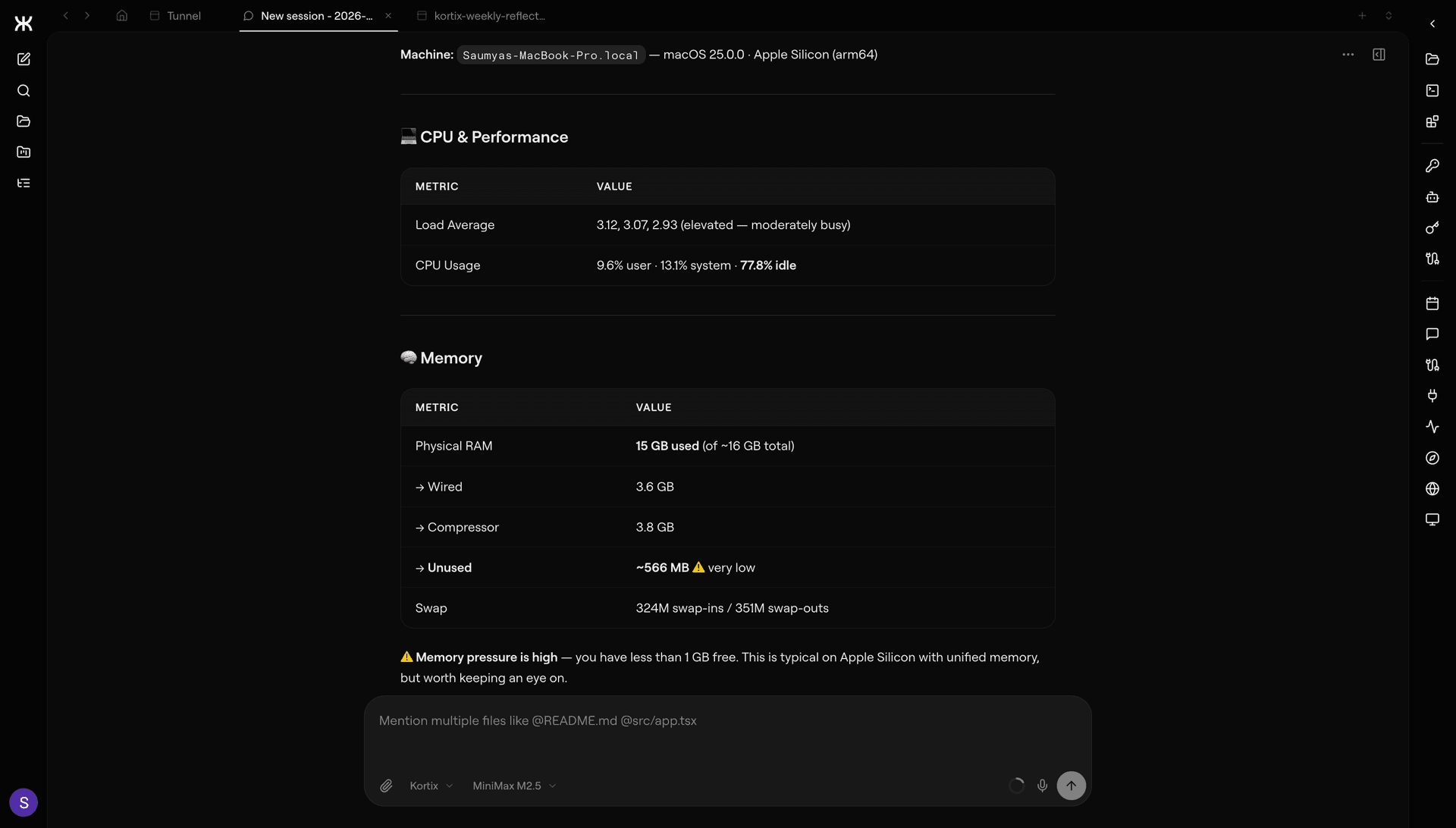
Nothing reaches the user's machine without their explicit approval, and everything that does gets logged.
Updates
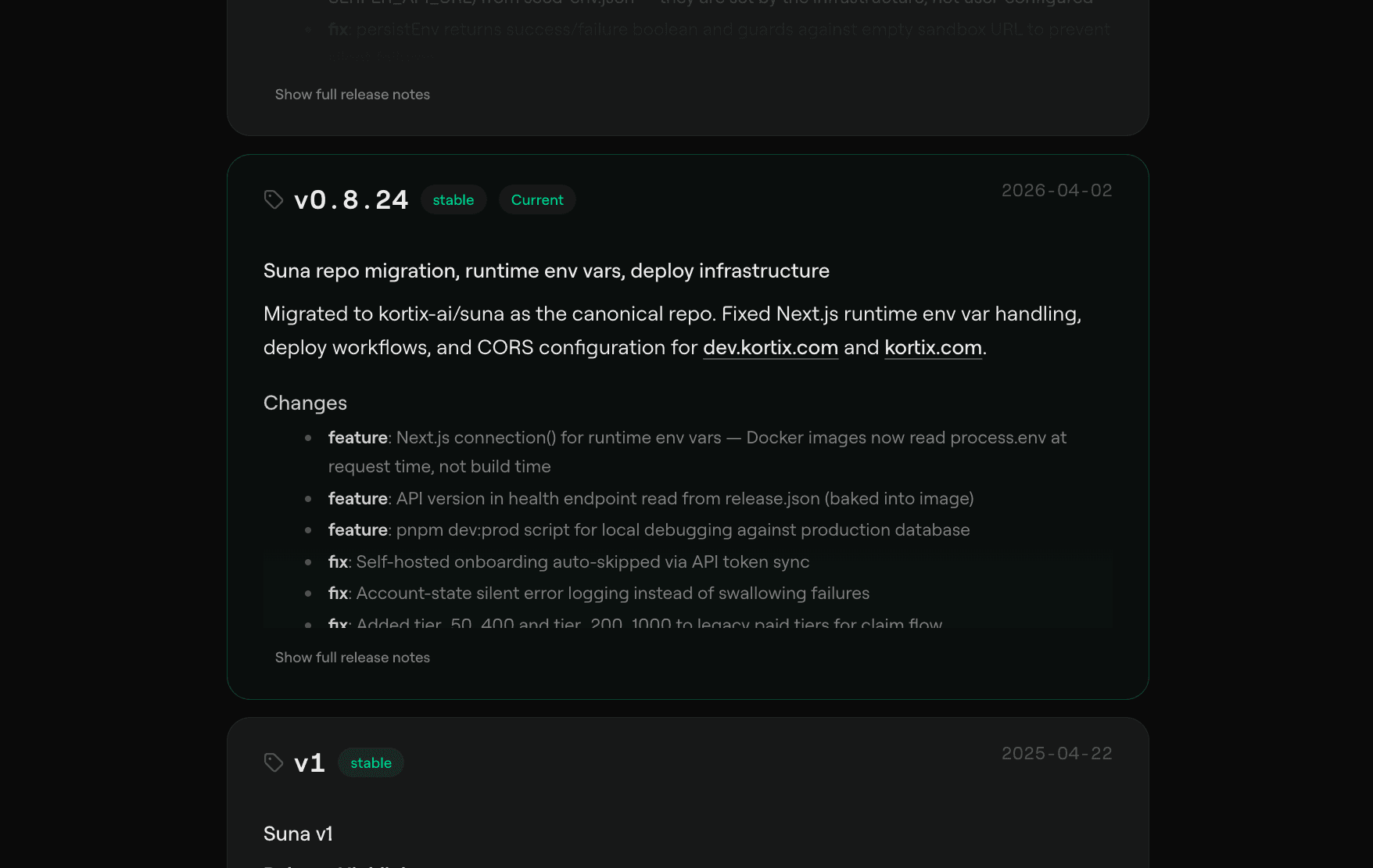
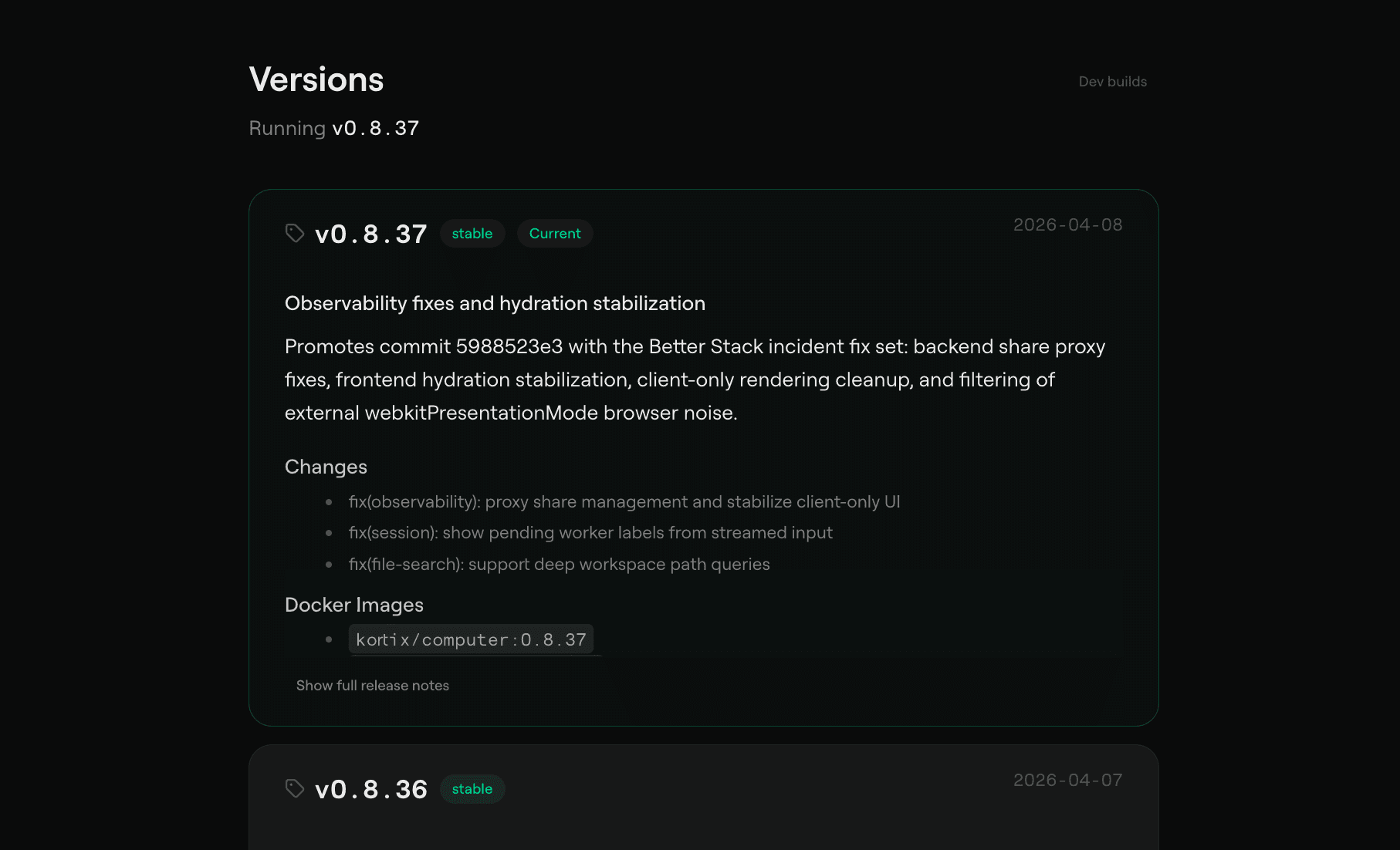
Of the four systems, the update pipeline was the most fun to work on. Every Kortix instance is a long-lived sandbox carrying real state: memory, installed tools, user-specific configuration, running sessions, cron triggers that were set up six months ago and still need to fire tomorrow. We can't wipe that on every release, but we also can't let it drift out of date with the rest of the platform.
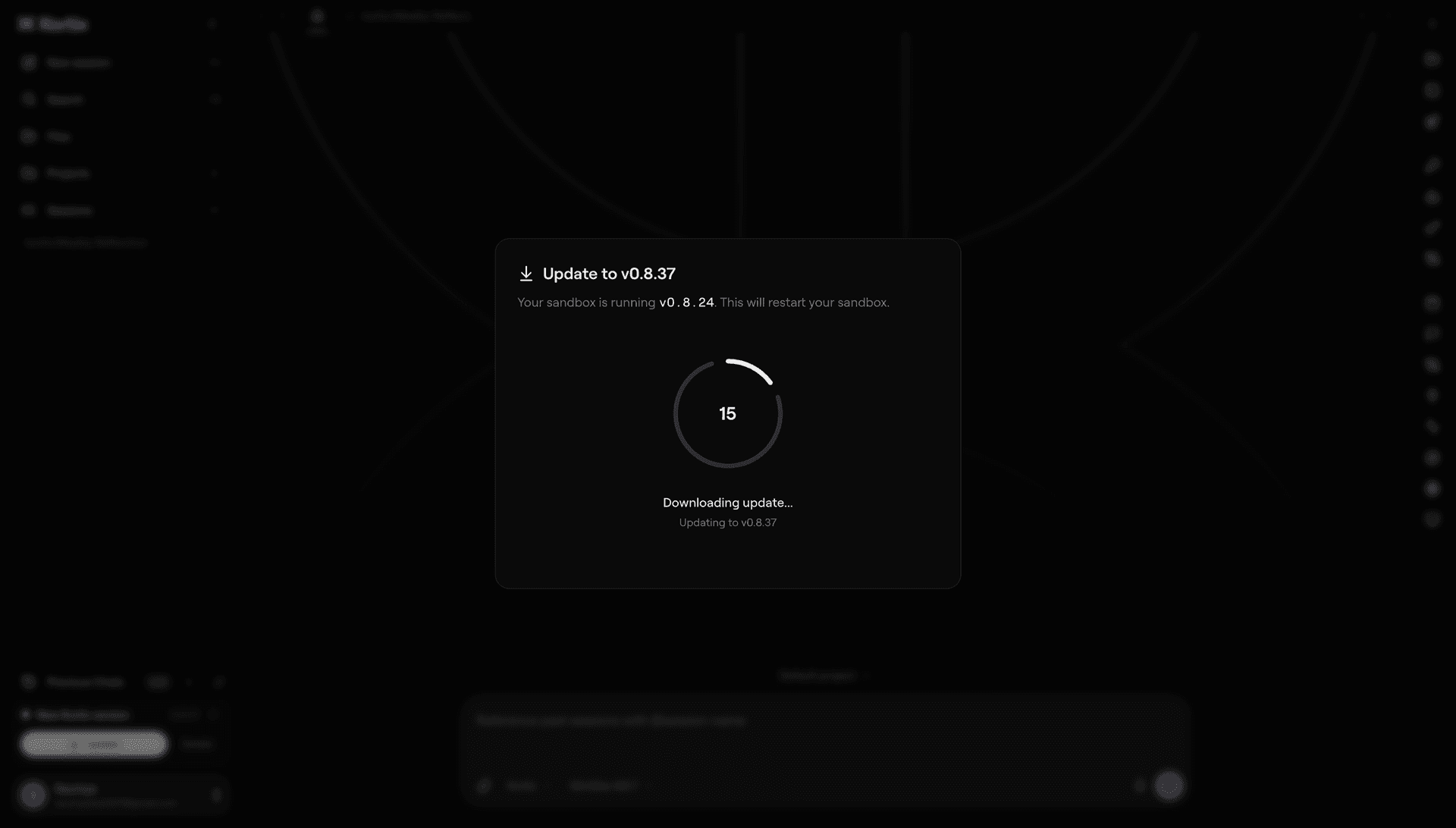
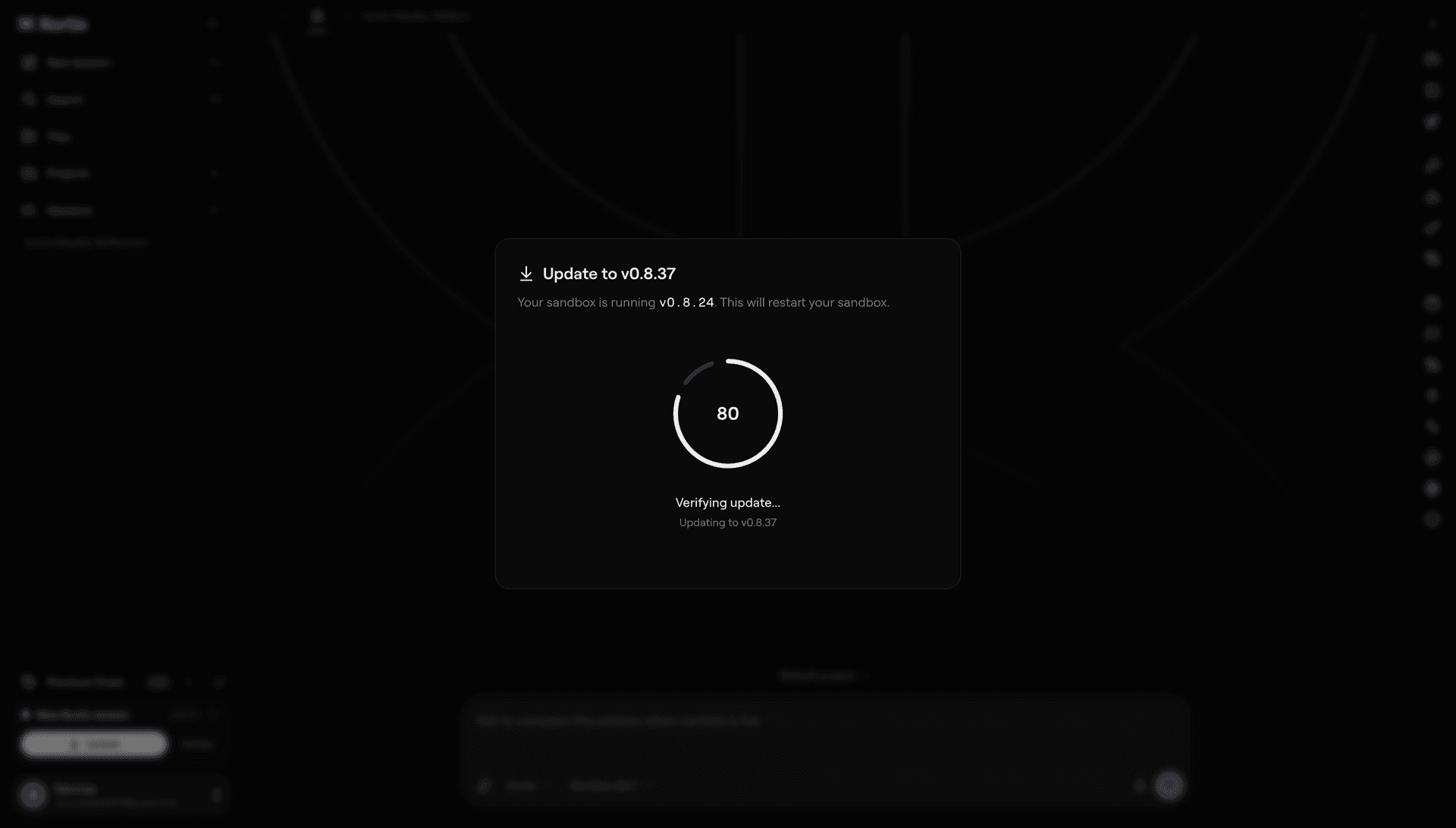
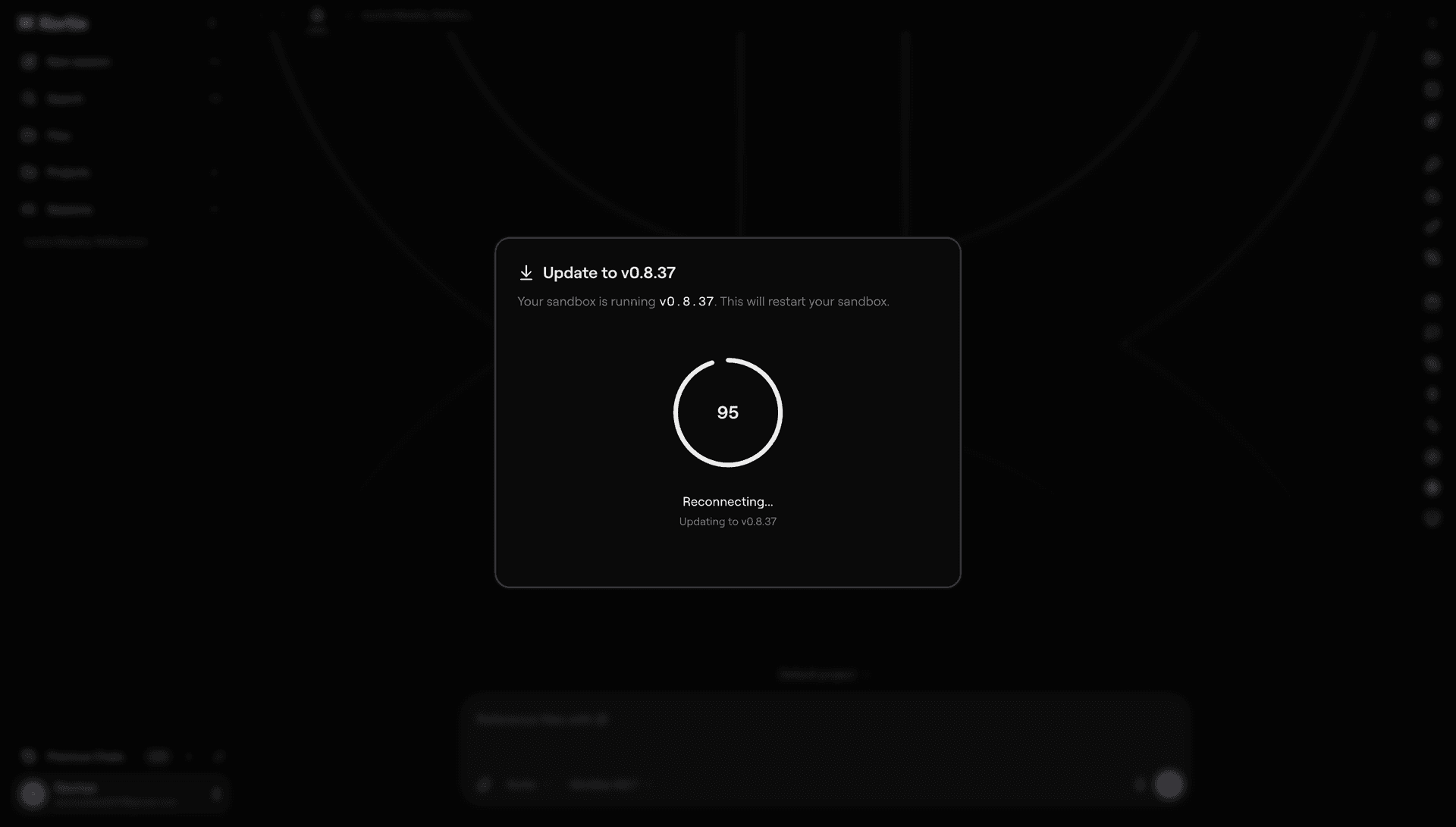
Each update is a named step with a precondition, an action, and a verification. The executor reads the current instance version, plans the shortest path to the target, and runs steps in order. Steps are idempotent and resumable: if a power drop interrupts an update, the next boot picks up where it left off, and re-running a step is a no-op. Some steps swap the underlying container image, others patch in place. The system knows which is which and keeps persistent volumes alive across swaps.
While an update is running, the API emits a status stream for which step is on, what it's doing, and how long it's been doing it, so the UI can show real progress instead of a loading spinner. If a step fails, the executor rolls back to the last known-good state instead of leaving the instance half-upgraded.
A power drop halfway through an update doesn't matter. The next boot picks up where it stopped, a failed step rolls back on its own, and the user never sees a half-upgraded instance.
The Rest
Outside of the big four, there was a lot of connective tissue: hardening the sandbox-to-API proxy, setting up deployment pipelines, building the OAuth flows the connector system depends on, schema migrations, agent queue throughput, billing plumbing, and the dev-server dance in the web app.
I also worked on a fair bit of UI. Most agent dashboards fail by showing too much at once, so a lot of the work there was deciding what to surface and what to keep out of the way while the agent is running.
- TypeScript
- Bun
- Hono
- Next.js
- React
- Python
- PostgreSQL
- Supabase
- Docker
- OpenCode